5 min · Goal · Sub-goal
Set goals
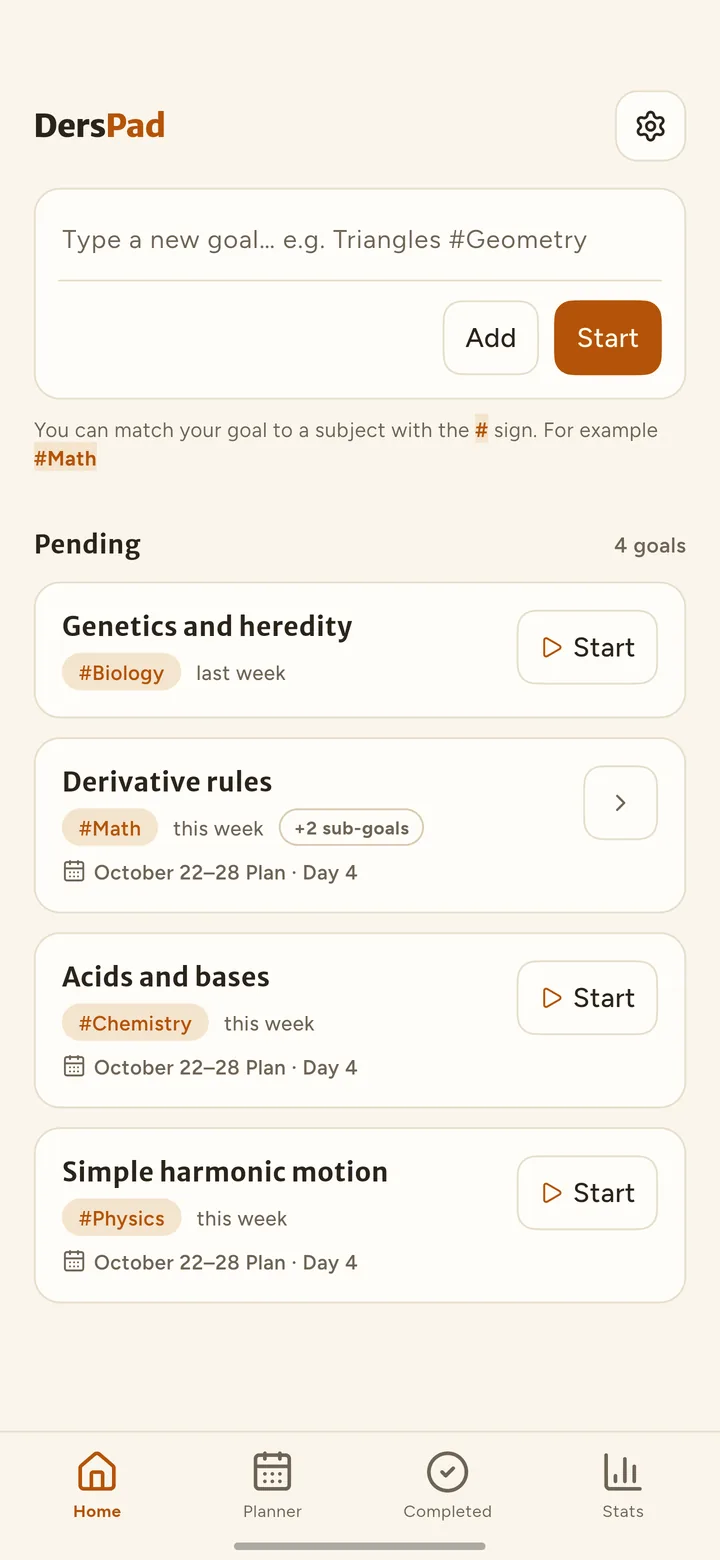
Write down what you'll study today as a goal. Split a big topic into sub-goals, each with its own Pomodoro count.
 DersPad
Türkçe
Now on Google Play
DersPad is a free focus and study-tracking app for students who study regularly or are preparing for exams. Build your study routine with a Pomodoro timer, goals and weekly plans. No account, no ads!
From planning to notes, this is how a study session goes. The Pomodoro and break lengths are the app's defaults - you can change all of them in Settings. Select a step.
Write down what you'll study today as a goal. Split a big topic into sub-goals, each with its own Pomodoro count.
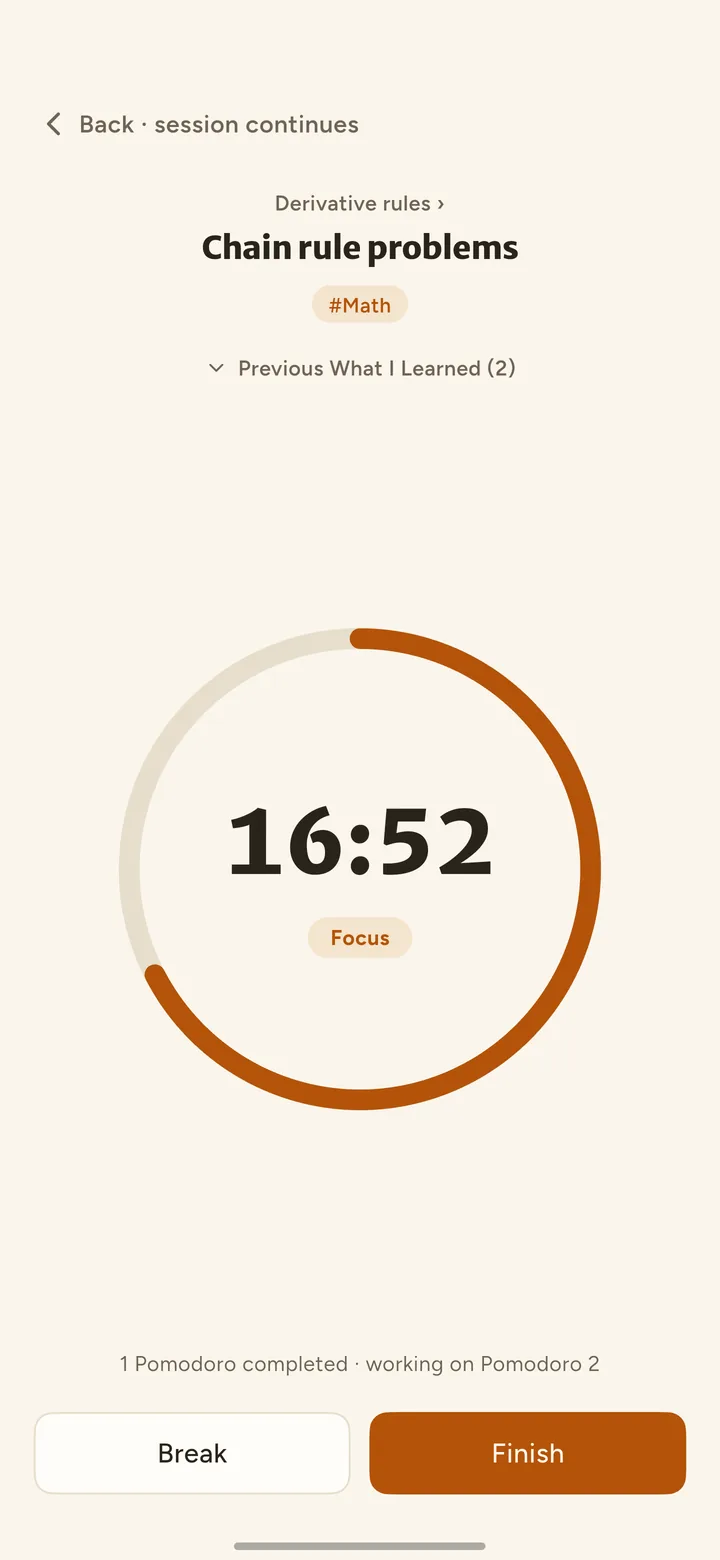
Tap Start and spend 25 minutes on that one goal. The timer keeps running while your phone is locked, and DersPad lets you know when time's up.
When a Pomodoro ends, start your break with one tap; when the break is over, work starts again on its own. Every two Pomodoros, a 15-minute long break starts automatically.
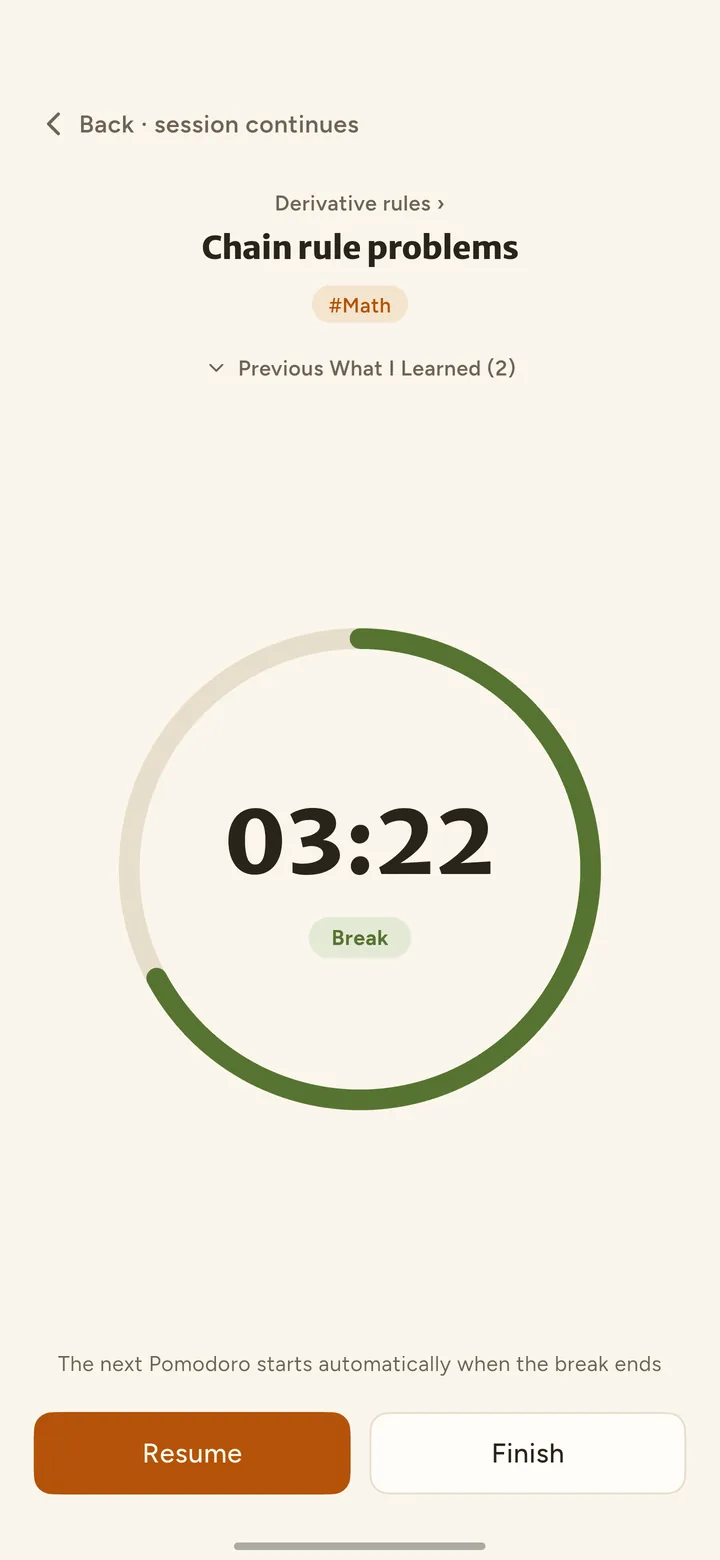
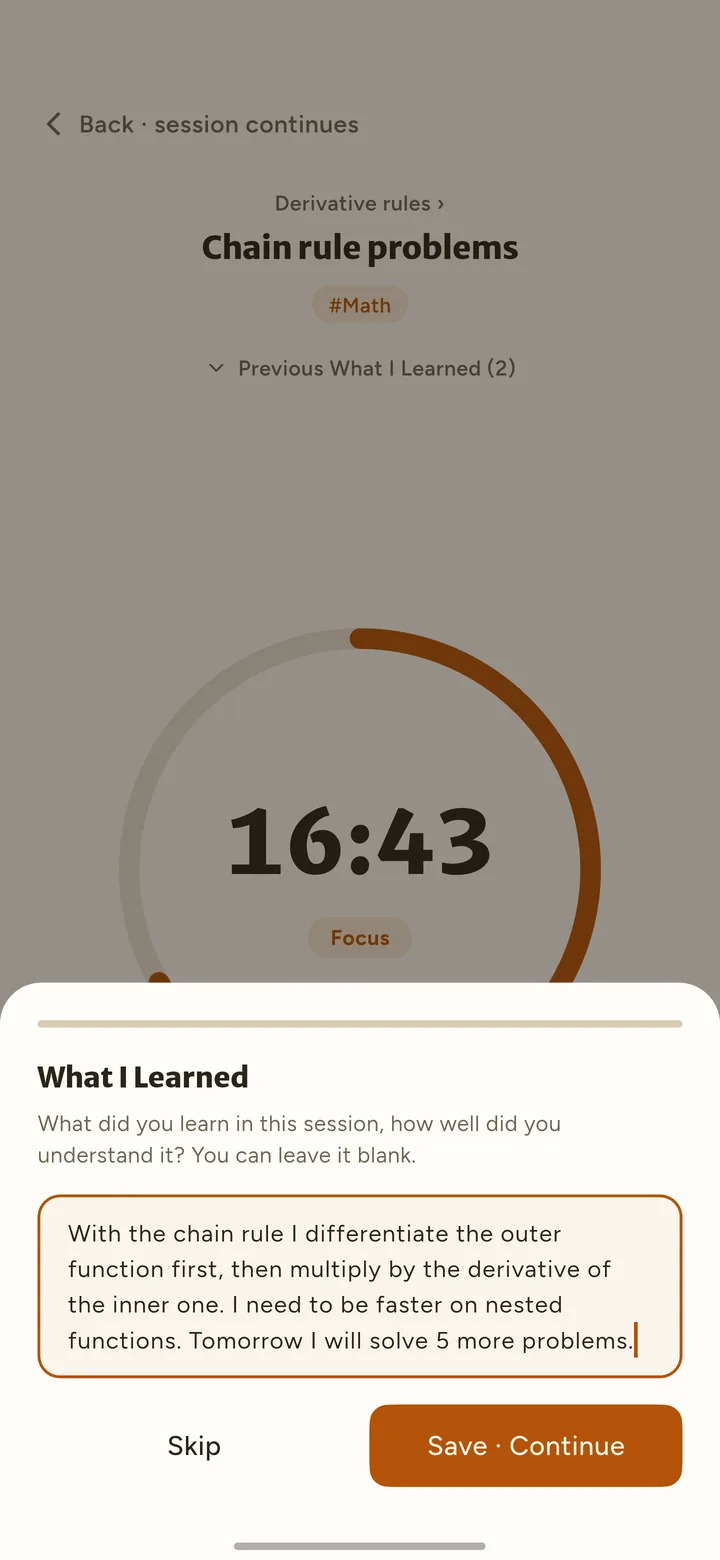
As you finish the session, jot down what you learned and how well you understood it. When you come back to the same goal, your latest notes are waiting on the session screen.
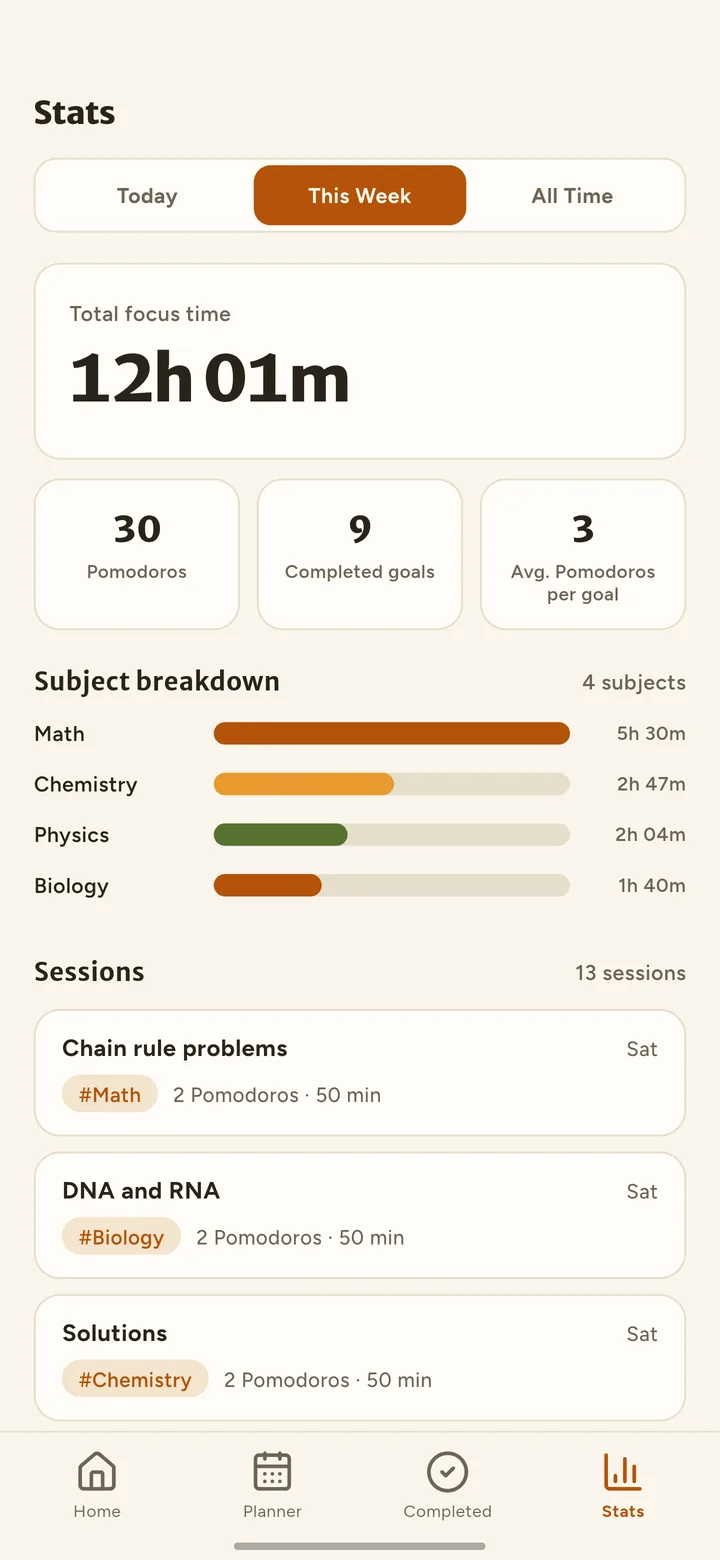
Stats shows how long you've studied today, this week and all time, how many Pomodoros you've done, and how your time splits across subjects.
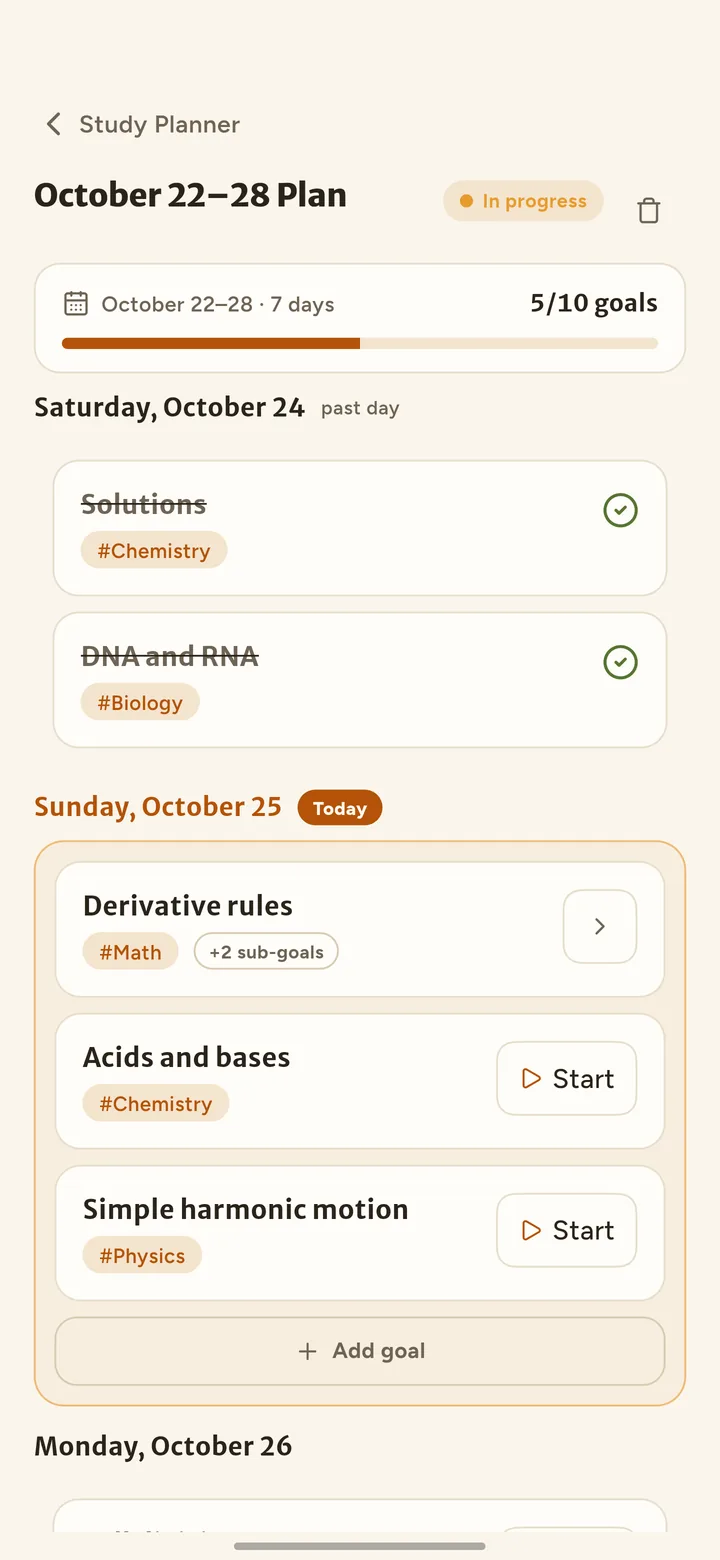
Spread your goals across the days of the week. Each goal shows up on your Home list on its day - or study it early if you like.
Warm Paper, Blue Morning, Sunset or Green Light, in a light, dark or system theme.
One notification a day, around a time you choose, summing up that day's plan. If there's nothing planned for the day, it stays quiet.
Plan Summary brings together a plan's goals day by day with their status, total time and Pomodoros, the subject breakdown and What I Learned notes in a single report. Students share it as a PDF - ready for a counseling session or a talk at home.
Sharing is the student's choice: DersPad never sends anything on its own.
DersPad doesn't go online - the app doesn't even have the internet permission. Your goals, notes and stats are stored on your phone, and DersPad never sends any data to us or anyone else on its own.
Yes. DersPad is free, with no ads, subscriptions or in-app purchases.
No. You can start using it as soon as you open it - no email, password or sign-in.
On your phone. DersPad has no servers and the app doesn't connect to the internet, so we can't see your data either. If Android backup is on, a copy may also be kept in your own Google account.
If Android backup is turned on, Android can back up your DersPad data to your own Google account and restore it when you set up your new phone. That's a Google service, and we can't access the backup. If backup is off, your data stays on the old phone and doesn't move over.
The iPhone version is in beta testing through Apple's TestFlight. We'll announce it on the site the day it's out on the App Store; until then, you can get DersPad for Android on Google Play. On iPhone, too, your data stays on your phone; if iCloud Backup is on or you back up your iPhone to a computer, it moves to a new iPhone with that backup.
DersPad is free on Google Play.

Google Play and the Google Play logo are trademarks of Google LLC.
Apple and the Apple logo are trademarks of Apple Inc., registered in the U.S. and other countries. App Store is a service mark of Apple Inc.